Laptop · Elk Grove, CA
Laptop repair in Elk Grove
Every Windows brand, from a cracked panel to a board that will not power on.
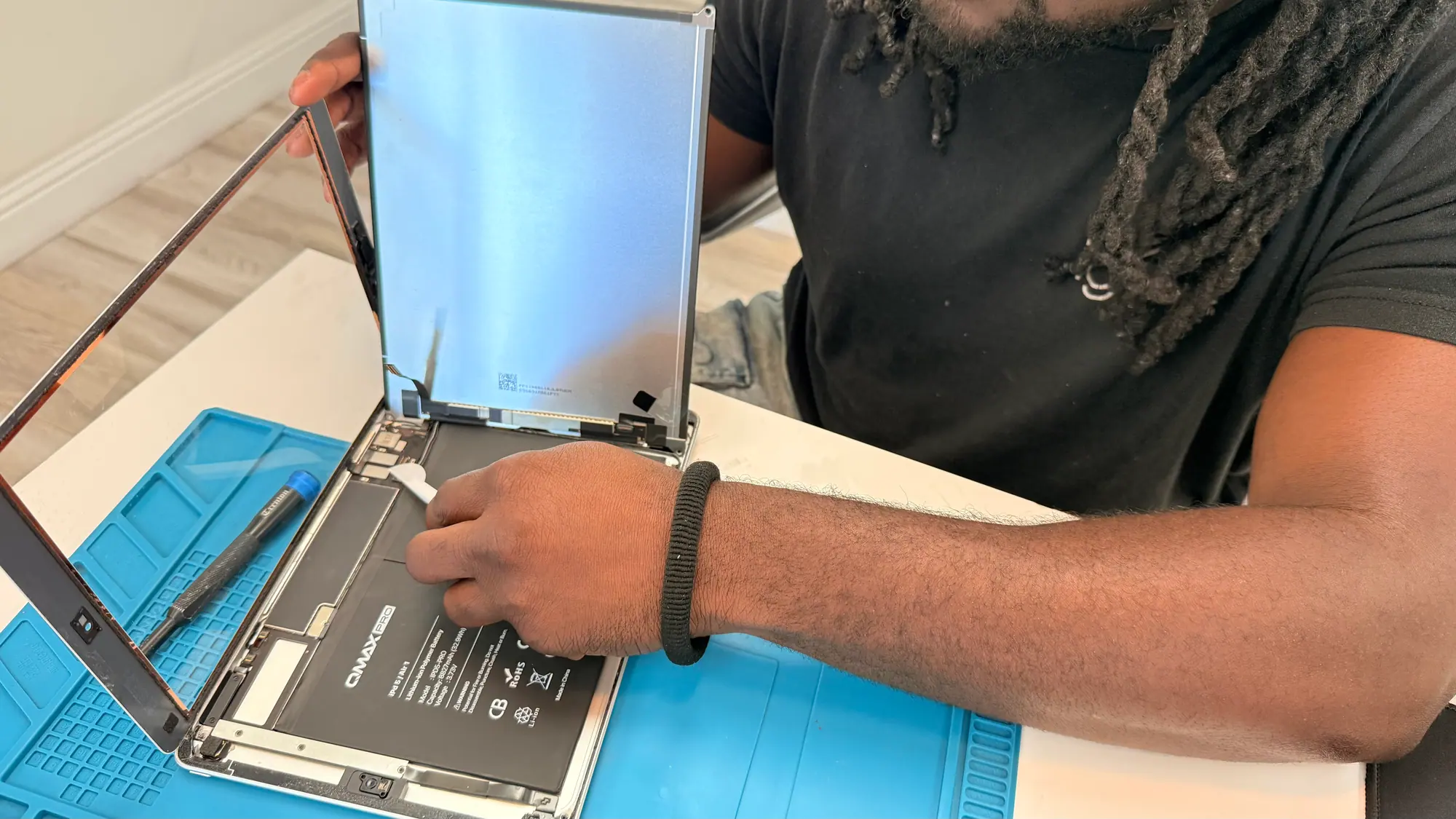
Laptop faults we take in
Find the closest match. If yours is not listed, describe what the device is doing in a quote request.
Elk Grove laptop repair, from the display to the board
The Windows laptop field is wide and every maker builds differently. We work on HP, Dell, Lenovo, Asus, Acer, MSI and the rest of it: household consumer models, business lines like Latitude, EliteBook and ThinkPad, thin ultrabooks, and the heavier gaming chassis.
Most of what arrives is wear or impact. Hinges stiffen and start splitting the plastic they are anchored to, keys stop registering one at a time, charging jacks go loose from being plugged in at an angle, and battery runtime shrinks as the cell ages and its cycle count climbs. Heat is the other half of the list: dust packs the heatsink fins, the thermal paste dries out, and the machine throttles or shuts itself off under load.
A slow laptop is usually not a finished one. Moving it to an SSD and adding memory changes how it behaves more than any other part you can put in it. Windows 10 systems can still be serviced. Windows 11 is recommended on supported systems for ongoing security and support. Every repair is quoted after inspection, before any work starts. Ask about our repair warranty; terms are printed on your repair ticket.
This page is part of our computer repair service in Elk Grove.
Google reviews
Laptop owners on the work we did
These are customers who brought a Windows laptop to the Elk Grove shop. Their words, not ours.
-
Laptop repair
Steve W. Google review
Read on Google (opens in a new tab)Hammad updated and made useful my 10 year old canon pro printer and dell xps laptop! this is amazing considering I know this equipment! thank you for the servicing of these units and ultimately delaying the costs involved in replacing them! this is important to me...I hope this is important to you!
-
Samsung (screen replacement)
Gayle T. Google review
Read on Google (opens in a new tab)The hinge on my Samsung laptop broke and I couldn't access anything on my computer. iGeek Tech Repair diagnosed the issue and ordered a new face. I lost the touch screen use in the process and they fixed that too. The repair was quick and the cost was reasonable. I'm glad I didn't need to buy a new laptop! Staff were professional and knowledgeable. I will use again when needed.
-
Laptop (screen replacement)
Dennise W. Google review
Read on Google (opens in a new tab)Took my laptop in to them to fix because I got a blue screen locking me out of my system. iGeek was very helpful and had my laptop up and running in just a couple of days! They kept in touch with me the whole time letting me know what was going on every step of the way! I very highly recommend iGeek to anyone needing any kind of repair on your computer or phone!!!
Read what Elk Grove customers say about iGeek.
How a laptop repair runs at iGeek
- Step 01
Bring it to the counter
Come by the Elk Grove shop and hand it over, or send us the details first with a quote request.
- Step 02
We find the fault
Your laptop goes on the bench so a technician can separate the real fault from the symptom. Every repair is quoted after inspection, before any work starts.
- Step 03
Collect it
We call you once the laptop is reassembled and tested, then it is waiting at the counter. Ask about our repair warranty; terms are printed on your repair ticket.
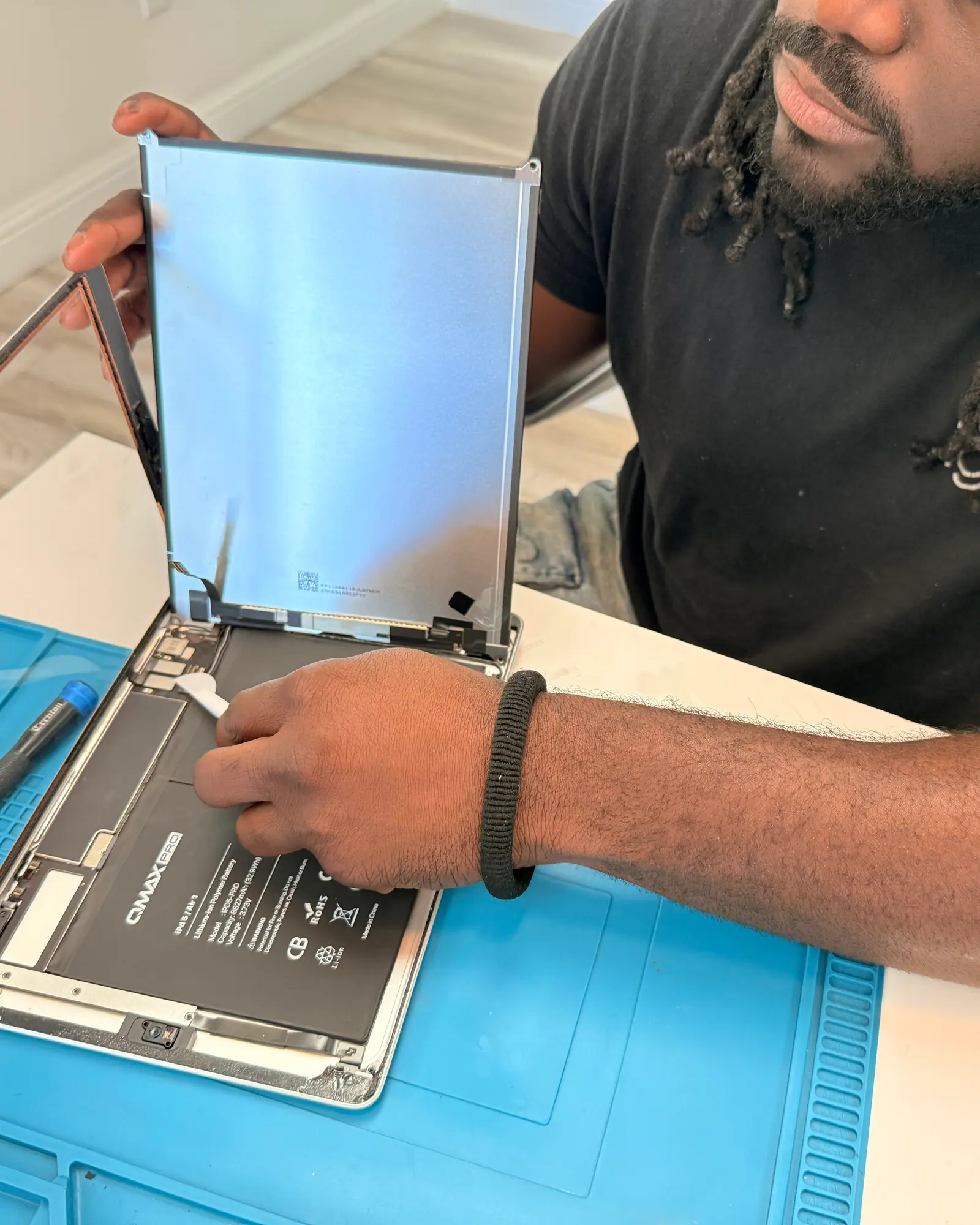
More on laptop repair at iGeek
A laptop can fail at the panel, at the keyboard deck, along the power path, or on the board itself, and each of those is a different job. Here is how we work through them.
Laptop repairs handled at our Elk Grove shop
Panels and displays, batteries, keyboards and palm rests, trackpads, hinges and lid assemblies, USB-C and barrel charging jacks, fans and heatsinks, spill damage, storage and memory upgrades, and motherboard diagnosis. The brands through the door most often are HP, Dell, Lenovo, Asus, Acer and MSI. Walk-ins welcome. Appointments welcome. Quote requests welcome. You can also start a quote online. Ask about turnaround when you check in; it depends on the repair and parts availability.
Working across brands
Laptops differ mainly in how they come apart. Which screws hold the palm rest, which ribbon cable tears if the wrong corner is lifted first, whether the battery sits under the board or beside it: that is where a repair goes wrong or goes cleanly. We see enough of each brand to know the pattern before the bottom cover is off.
Display and panel replacement
Cracked glass, a dark screen with a faint image still visible, flicker, or lines that shift when the lid moves all point at different parts. A dark image is often the backlight circuit or the video cable rather than the panel. Panels also vary by resolution, refresh rate, brightness and touch layer, so we confirm what the machine shipped with before ordering anything. We'll explain your part options before you decide.
The jobs that come up most
Batteries. A laptop battery is a consumable. Capacity falls as the charge cycles add up, so runtime shrinks and the machine can cut out under load while the meter still shows charge left. A pack that has started to swell and lift the trackpad should be taken out of service.
Keyboards, trackpads and hinges. Dead keys, a trackpad that clicks without responding, a hinge that binds until it cracks its mount. Once the deck is out these are mostly part swaps, and the hinge repair often includes the lid mounts that failed with it.
Charging jacks and power faults. A port that only charges when the cable is held just so usually means broken solder joints or a worn jack. Where the board allows it, we repair the port itself instead of replacing the whole board.
Cooling and thermal service. A laptop pulls air through one narrow intake, so carpet, a bed or a lap blocks it and lint builds a mat across the fins. Once the paste has dried out too, the processor throttles and the fan runs constantly. Stripping the cooler, clearing the fins and repasting restores the path the design intended.
Board-level diagnosis. No power at all, fans spinning with no display, or damage after a spill goes to the board bench for component-level work. Advanced repair work is performed in-house where applicable.
Software, storage and data work
We also do clean Windows installs when the existing one is past saving, malware cleanup, driver and Wi-Fi trouble, migrating a tired hard drive onto an SSD, and pulling files off a drive that is failing. A drive that clicks or stalls gets imaged first, before anything else is attempted on it. Computer diagnostic: $49 for Macs and everyday Windows laptops and desktops, $99 for gaming PCs, gaming laptops, custom-built PCs, liquid damage, data recovery and board repair, credited toward the repair when you approve it.
What to expect when you drop a device off
Every repair is quoted after inspection, before any work starts. Diagnostic fee quoted at check-in and applied to your repair if you proceed. Ask about our repair warranty; terms are printed on your repair ticket. Ask about turnaround when you check in; it depends on the repair and parts availability.
Cost and timing on a laptop repair
When will it be ready? Ask about turnaround when you check in; it depends on the repair and parts availability.
How is it priced? Cost follows the part the machine needs, not the badge on the lid. A panel, a battery or a palm-rest assembly for a thin business or gaming chassis sits at a different level than one for an entry-level model, and how easily the part can be sourced moves it as well. Every repair is quoted after inspection, before any work starts. Diagnostic fee quoted at check-in and applied to your repair if you proceed.
Other repairs we handle
Phones, tablets, laptops and desktops all come across the same bench in Elk Grove. Pick the one you need:
How we work
-
Quoted before we start
Every repair is quoted after inspection, before any work starts. Diagnostic fee quoted at check-in and applied to your repair if you proceed.
-
Parts explained first
We'll explain your part options before you decide.
-
Local, in-house repairs
Repairs are done at our Elk Grove shop by our own technicians. Ask about turnaround when you check in; it depends on the repair and parts availability.
-
After the repair
Ask about our repair warranty; terms are printed on your repair ticket.
Repairs handled here in Elk Grove
Start a repair- Talk to the bench. The people working on your device are here in the Elk Grove shop.
- Timing on your repair. Ask about turnaround when you check in; it depends on the repair and parts availability.
- Inspection comes first. Every repair is quoted after inspection, before any work starts. Diagnostic fee quoted at check-in and applied to your repair if you proceed.
- Part quality moves the price. We'll explain your part options before you decide.
- Once you have it back. Ask about our repair warranty; terms are printed on your repair ticket.
Address
8145 Elk Grove Blvd, Suite 12
Elk Grove, CA 95758
Hours
Mon-Fri 10-5
Sat 10-3 · Sun Closed
Phone
(916) 627-1818Bring it in, or start with a quote
Diagnostic fee quoted at check-in and applied to your repair if you proceed.